Convert PDF, Word and Excel files
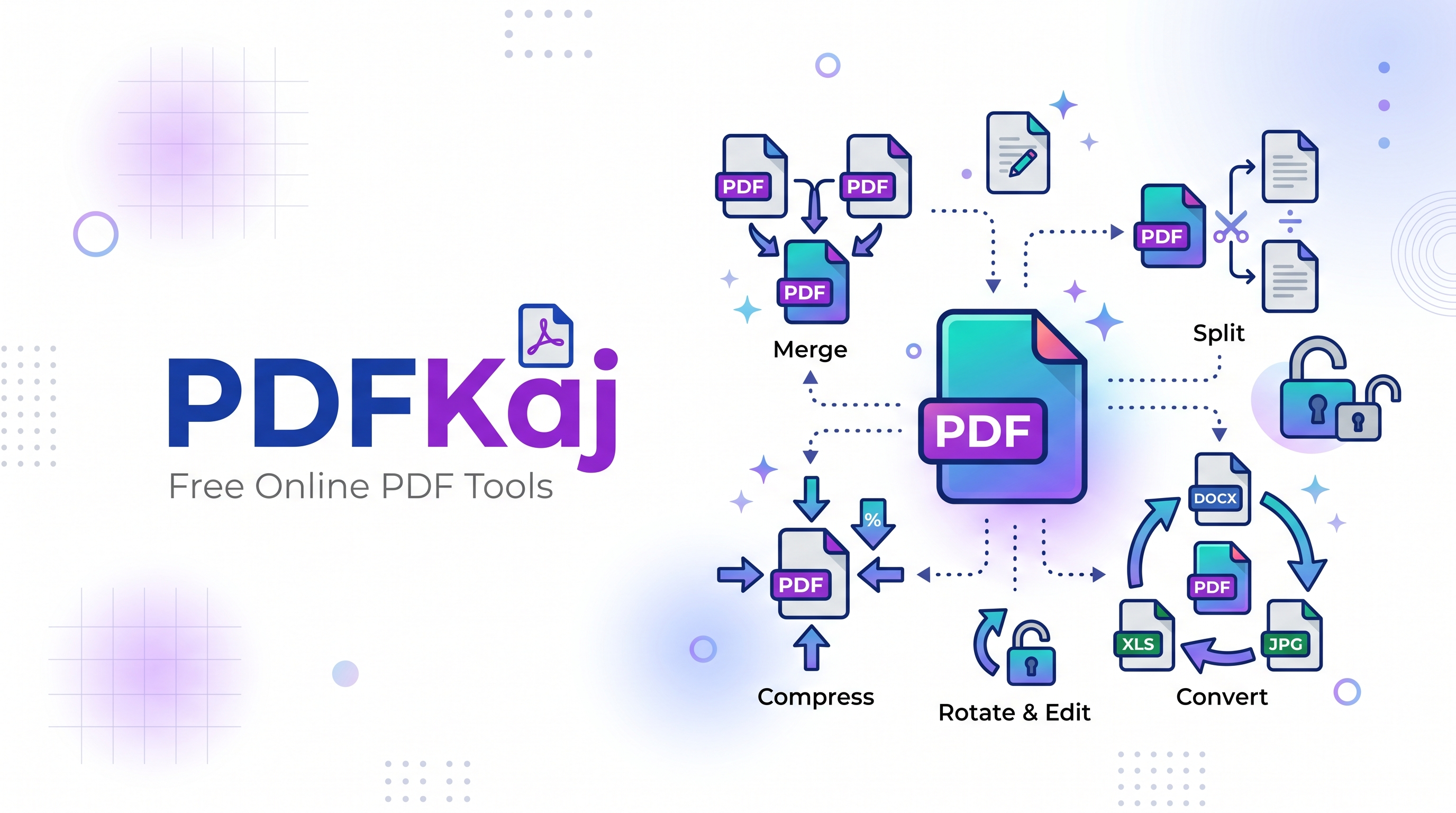
PDFKaj includes tools for common document conversion tasks: convert PDF files into editable Word documents, extract PDF tables into Excel spreadsheets, and convert DOCX or spreadsheet files into PDF. Results depend on the source file; complex layouts may need a quick review after conversion.
PDF to Word · PDF to Excel · Word to PDF · Excel to PDF
Merge, split, edit and compress PDFs
Combine multiple PDFs, split documents by page range, reorder or rotate pages, add page numbers and watermarks, compare two versions side by side, or reduce PDF file size. Multi-file tools are available for workflows such as merging PDFs, comparing documents and combining images into a PDF.
Merge PDF · Split PDF · PDF editor · Compress PDF · Compare PDF
Make scanned documents searchable with OCR
Use OCR to create searchable PDFs or extract text from images. PDF to Word and PDF to Excel can also use OCR when a PDF page has no selectable text. Results can vary with scan quality, language and document layout.
OCR PDF · Image to Text · PDF to Markdown
Privacy-first processing
PDFKaj processes files locally in your browser for its client-side tools, so documents are not uploaded to a PDFKaj processing server. Some features may need an initial internet connection to load their code or language data. Review the privacy policy for details.